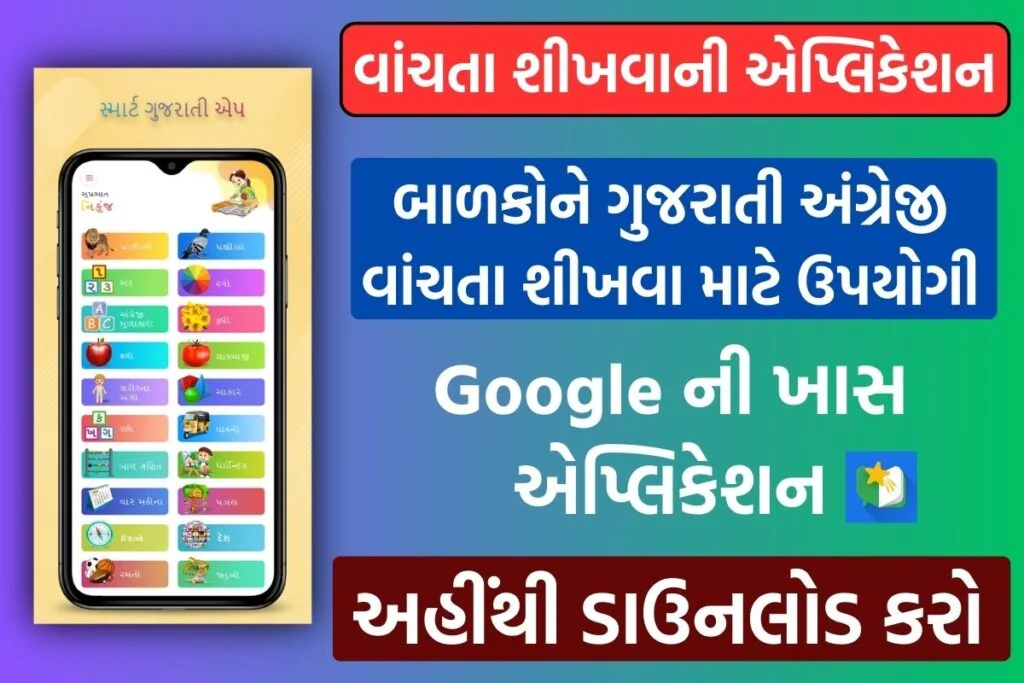
Read Along by Google Review 2026 Best Free Reading App for Kids | Improve Reading Skills
Meta Description: Discover how Read Along by Google helps children improve reading, pronunciation, vocabulary, and confidence with fun stories and interactive learning. Free reading app for kids.
What is Read Along by Google?
Read Along is a free educational application that encourages children to practice reading through interactive stories, games, and rewards. The app uses voice recognition technology to guide kids while reading.
Why Parents Love Read Along
Parents appreciate apps that combine education and entertainment. Read Along helps children build reading confidence without feeling pressured.
Why Parents and Educators Love Read Along by Google
- Read Along by Google has become a favorite among parents and educators because it combines learning and fun in a way that keeps children engaged. The app helps young readers develop essential literacy skills through interactive stories, real-time pronunciation feedback, and personalized reading support.
- Parents appreciate that the app is completely free, easy to use, and provides a safe, child-friendly learning environment without unnecessary distractions. The ability to track reading progress and encourage daily reading habits makes it a valuable tool for supporting learning at home.
- Educators value Read Along for its ability to strengthen reading fluency, vocabulary, pronunciation, and comprehension skills. The app’s speech recognition technology helps students practice independently while receiving instant guidance, making it an effective supplement to classroom learning.
- By making reading enjoyable and accessible, Read Along helps children build confidence, improve literacy skills, and develop a lifelong love for reading.
Benefits for Kids Using Read Along by Google
- Improves Reading Skills
- Read Along helps children practice reading every day, improving their reading fluency, pronunciation, and word recognition. Regular reading practice builds a strong foundation for academic success.
- Enhances Vocabulary
- Children are exposed to new words through interactive stories, helping them expand their vocabulary and improve language skills naturally.
- Builds Reading Confidence
- The app provides instant feedback and positive encouragement, helping kids gain confidence while reading independently.
- Better Pronunciation
- Using advanced speech recognition technology, Read Along listens to children read aloud and helps them correct pronunciation mistakes in real time.
- Encourages Independent Learning
- Kids can learn at their own pace without constant supervision, making it an excellent self-learning tool for young readers.
- Makes Learning Fun
- Interactive stories, rewards, badges, and achievements keep children engaged and motivated to continue reading.
- Supports Language Development
- The app helps improve speaking, listening, and comprehension skills, which are essential for overall language development.
- Increases Reading Habits
- Daily reading challenges and engaging content encourage children to develop a consistent reading routine.
- Works Offline
- Children can continue learning even without an internet connection, making it convenient for travel and areas with limited connectivity.
- Safe and Child-Friendly Environment
- The app offers a distraction-free learning experience designed specifically for young learners, helping parents feel more comfortable about screen time.
- Improves Reading Comprehension
- By reading stories regularly, children learn to understand sentence structure, context, and story meaning, strengthening comprehension skills.
- Helps Early Childhood Education
- Read Along supports early literacy development, phonics learning, and foundational reading skills that are important for school readiness.
Best Features of Read Along by Google
- Advanced Speech Recognition Technology
- One of the standout features of Read Along by Google is its intelligent speech recognition system. The app listens as children read aloud and provides instant feedback, helping them improve pronunciation, fluency, and accuracy.
- Interactive Reading Assistant
- Read Along includes a friendly virtual reading buddy that guides children through stories, offers hints when they get stuck, and encourages them to keep reading confidently.
- Huge Collection of Engaging Stories
- The app offers a wide range of age-appropriate stories designed to keep children interested while improving their reading skills and comprehension.
- Free Learning Experience
- Unlike many educational apps, Read Along is completely free, making quality reading education accessible to families without subscription costs.
- Offline Reading Support
- Children can access stories and practice reading even without an internet connection, making learning convenient anytime and anywhere.
How to Download and Use Read Along by Google
Step 1: Download the App
- Open the Google Play Store on your device.
- Search for “Read Along by Google.”
- Tap Install.
- Wait for the app to download and install automatically.
- Open the app and complete the setup process.
Step 2: Sign In (Optional)
- You can use Read Along without signing in for basic features.
- Signing in with a Google account allows progress syncing and personalized learning.
Step 3: Choose a Reading Level
- Select the child’s age or reading level.
- Browse the available story library.
- Pick a story that matches the child’s reading ability.
Step 4: Start Reading
- Tap on a story to begin.
- Read the text aloud.
- The app listens using speech recognition technology.
- Receive instant help with difficult words and pronunciation.
Step 5: Earn Rewards and Track Progress
- Earn stars and badges.
- Unlock new reading content.
- Monitor their reading achievements and improvement.
Driving Licence Online Apply 2026: Complete Step-by-Step Application Process in India
Official Download & Access
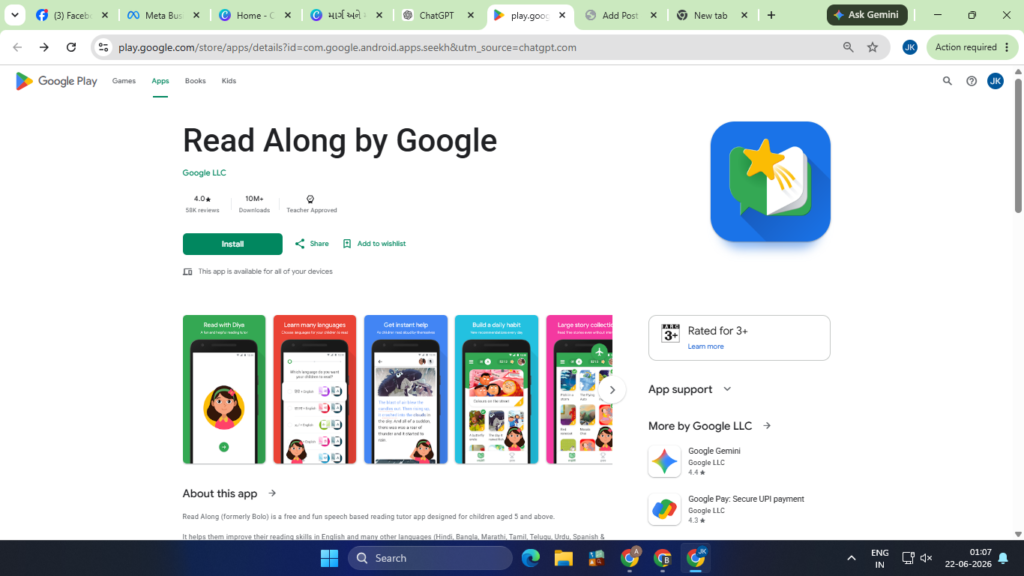
- Android App: Google Play Store – Read Along by Google
- Web Version: Read Along by Google Website
Frequently Asked Questions (FAQ) About Read Along by Google
- What is Read Along by Google?
- Read Along by Google is a free educational reading app designed to help children improve their reading skills through interactive stories and speech recognition technology.
- Is Read Along by Google free to use?
- Yes, Read Along is completely free to download and use. There are no subscription fees required to access its reading activities and stories.
- What age group is Read Along suitable for?
- Read Along is primarily designed for children aged 5 to 11 years, but it can be useful for any beginner reader looking to improve reading fluency and pronunciation.
- How does Read Along help children learn to read?
- The app listens as children read aloud and provides instant feedback on pronunciation and reading accuracy. It also offers hints and encouragement to help children build confidence.
- Does Read Along work offline?
- Yes, many features and stories can be accessed offline after the initial download and setup, making it convenient for learning without a constant internet connection.
- Can Read Along be used on a computer?
- Yes, Read Along is available on supported web browsers, allowing children to practice reading on desktops, laptops, and Chromebooks.
- Which devices support Read Along?
- Read Along works on Android smartphones, Android tablets, Chromebooks, and supported web browsers such as Google Chrome, Mozilla Firefox, and Microsoft Edge.
- Does Read Along support multiple languages?
- Yes, the app supports several languages, helping children improve reading skills in their preferred language.
- Is Read Along safe for kids?
- Yes, Read Along provides a child-friendly learning environment designed specifically for young readers and educational use.
- Can parents track their child’s progress?
- Yes, the app allows children and parents to monitor reading achievements, completed stories, and overall reading progress.
Google Pay Loan Apply Online 2026: Click Here
Google Maps App Download: Click Here
Read Along by Google 2026: Click Here
Pradhan Mantri Jan Dhan Yojana 2026: Click Here
PM Mudra Loan Scheme 2026: Click Here
1 thought on “Read Along by Google 2026: Best Free Reading App for Kids and Students”